


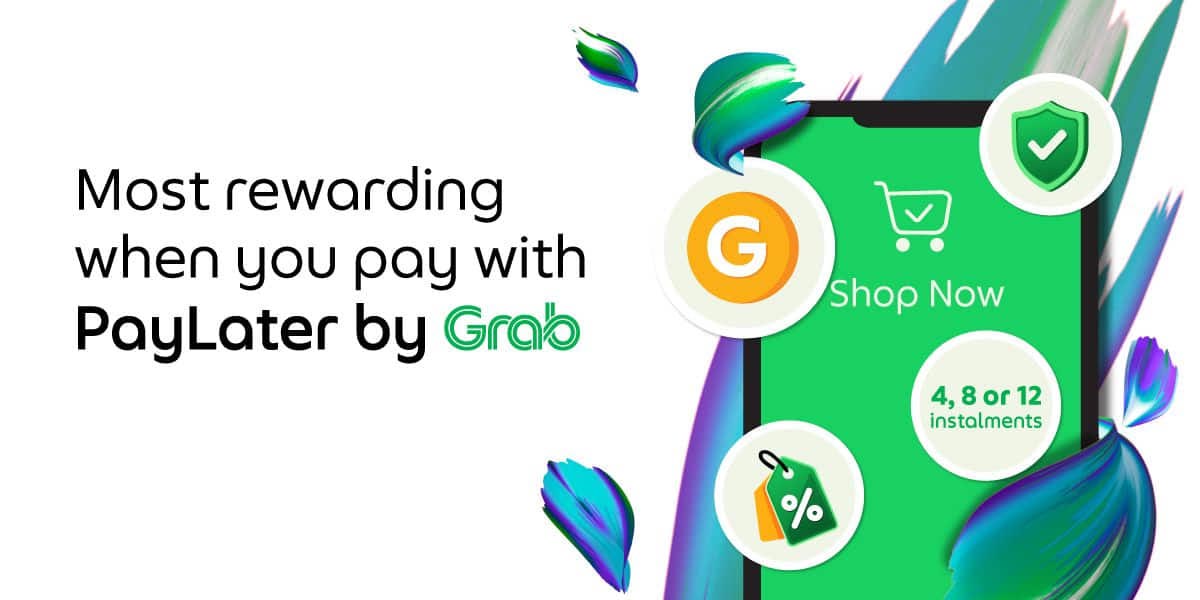

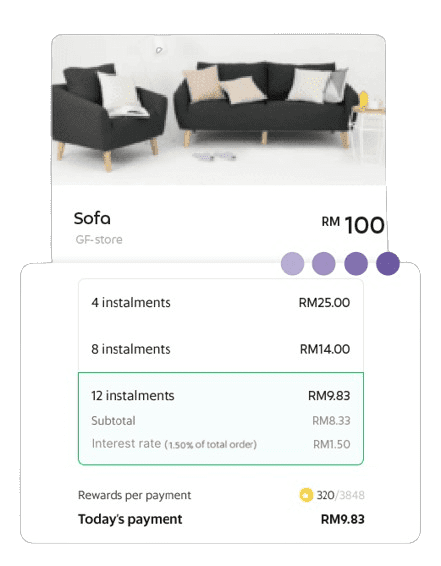
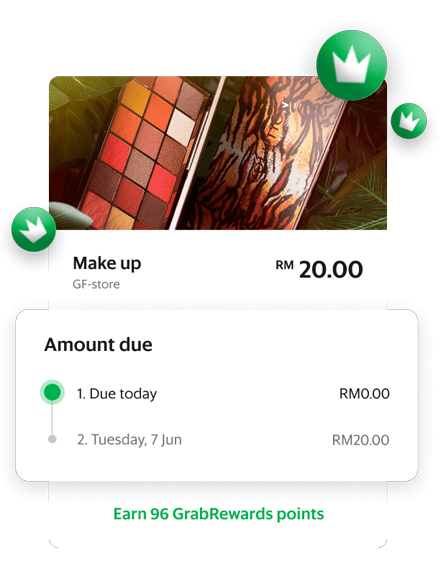
Enjoy the flexibility to choose the plan that works best for you and receive up to 2x back in GrabCoins
Track your monthly spend and pay for it all in one bill and get GrabCoins at the same time!
*Available for use on Grab services too (e.g. Grab rides, GrabFood orders and more)
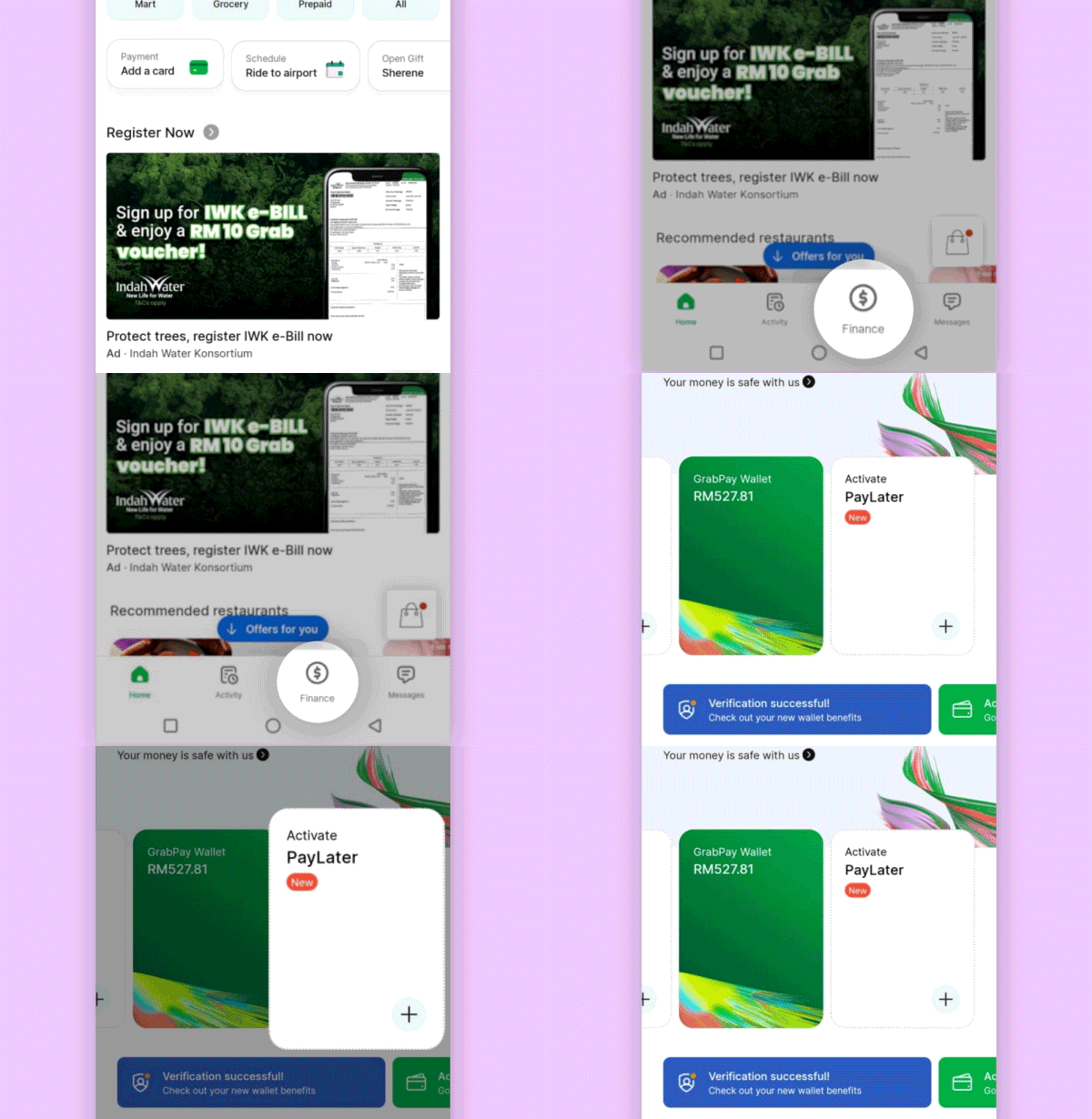
Step 1:
Tap on the ‘Finance’ tab. Choose ‘PayLater’.
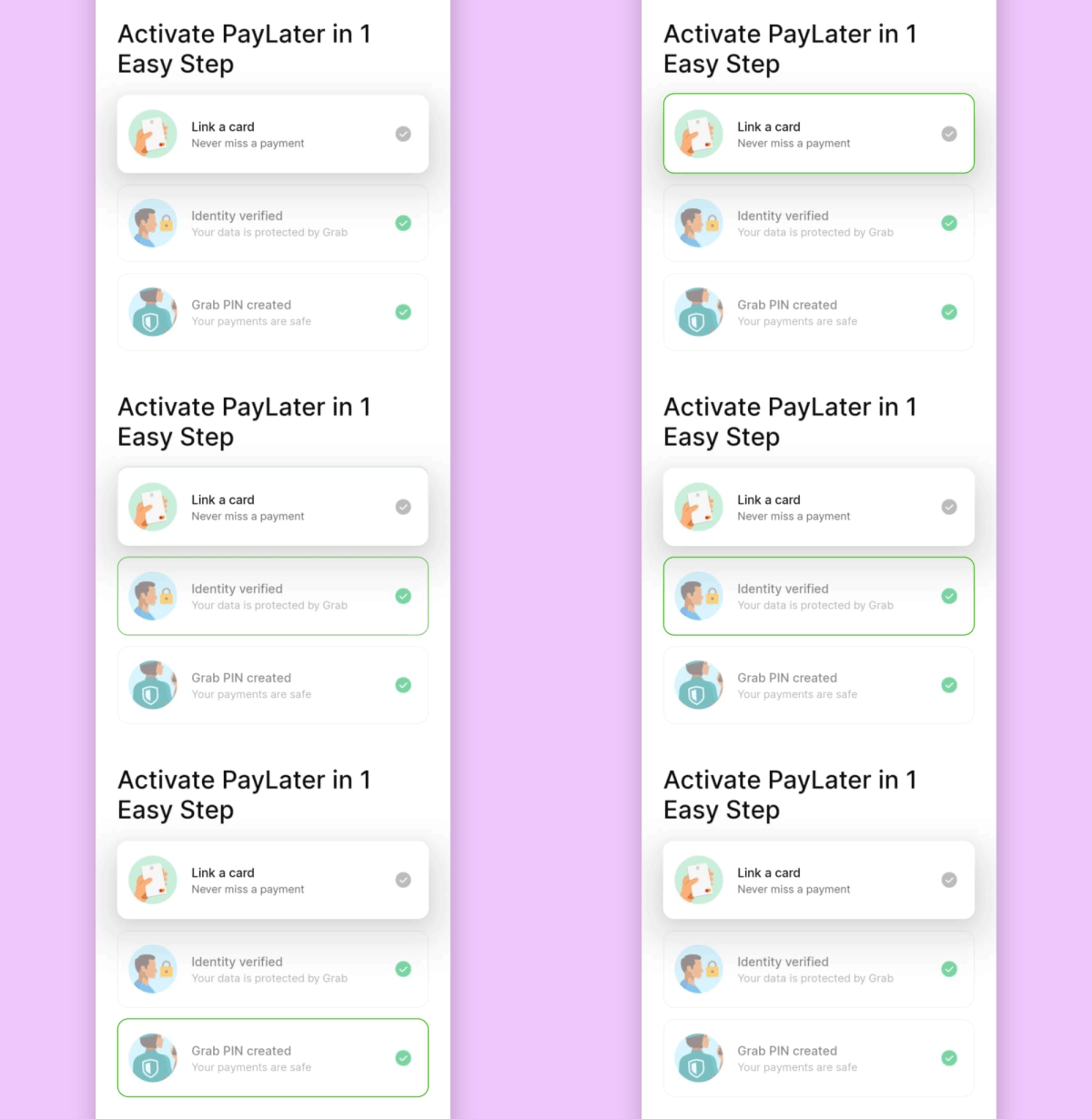
Step 2:
Verify your identity, set a Grab PIN, and link a card.
How to know if you are eligible for PayLater by Grab.
If you are Grab user who meet the below criteria:
If you’re eligible for PayLater, you’ll be able to activate it in-app, or simply launch your Grab app, tap on Payments, tap on Enjoy Now and Pay Later under Explore GrabPay.
If you don’t see the PayLater option, unfortunately Grab is unable to offer this service to you just yet. All approvals are subject to Grab review. Stay tuned!
Enter your email / phone number to sign up or log in
Enter your phone number
Enter your email address
Enter your Identification Card Number
Enter the password to your account
By continuing, you agree to our Terms of Service and acknowledge that you’ve read our Privacy Policy.
Enter all your details to create an account
By continuing, you agree to our Terms of Service and acknowledge that you’ve read our Privacy Policy.
