


• Normal Delivery
  • West Malaysia

1 - 3 Working Days

  • East Malaysia

5 - 7 Working Days

  • Pick Up in Store

3 - 5 Working Days

  • Warranty

1 Year

  • Instalment Options

RM 53.32 / Month (x60)

INSTALLMENT

Text after title text example

Galaxy Tab S11 Wi-Fi

SKU: N/A
RM3,599.00
From RM59.98 /Month (x60)
Yes
No
Full Amount
Deposit: RM300.00

Free Gift

Free Extra 1 Year Warranty
Free Extra 1 Year Warranty

RM0.00RM300.00
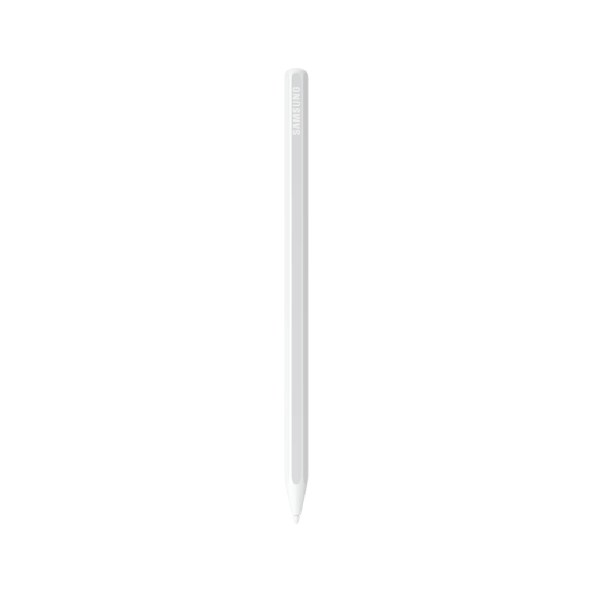
Free Samsung S Pen

Free Samsung S Pen

RM0.00RM199.00

Add On

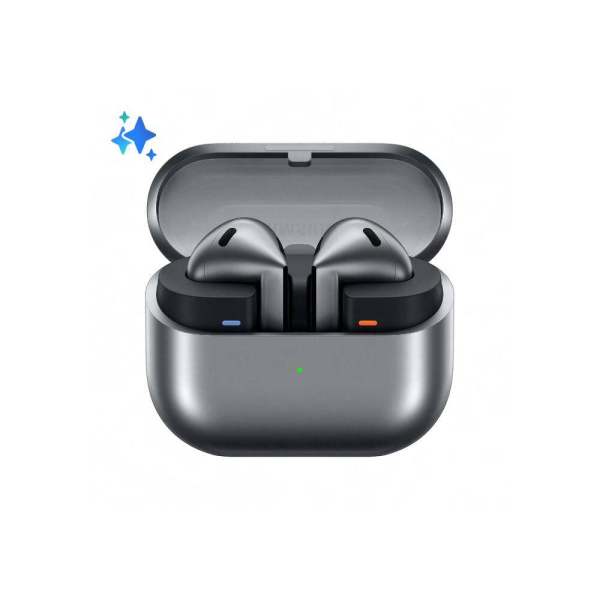
Samsung Galaxy Buds3 / Buds3 Pro AI Translator Wireless Bluetooth Earbuds

Redefine your listening experience with the cutting-edge design and exceptional sound quality of the Samsung…

Galaxy Watch8 Classic

Galaxy Watch8 Classic

40mm
From RM1,299.00RM1,799.00
Qty:

The thinnest Samsung Galaxy Watch yet, Galaxy Watch8 is ready to make an impact. Now,…

Senheng Customer Support
Need Help? Chat with us
Free EXTRA 1 Year Warranty
Enjoy Free Warranty from us!
0% Interest up to 60 months
Easy Payment Plan we offer for any product
Nationwide Delivery and Pick in Store
Seamless Experience for Online and Offline
Galaxy Tab S11 is seen showing a webpage about the Korean dessert, bingsu, on the main screen. Using natural conversation, you can then ask Google Gemini about anything you see on the screen. Google Gemini logo is shown.

Talk with Gemini about anything you see

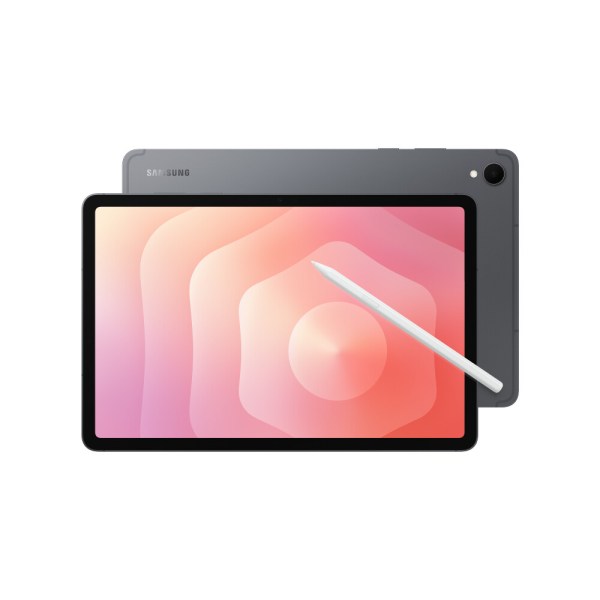
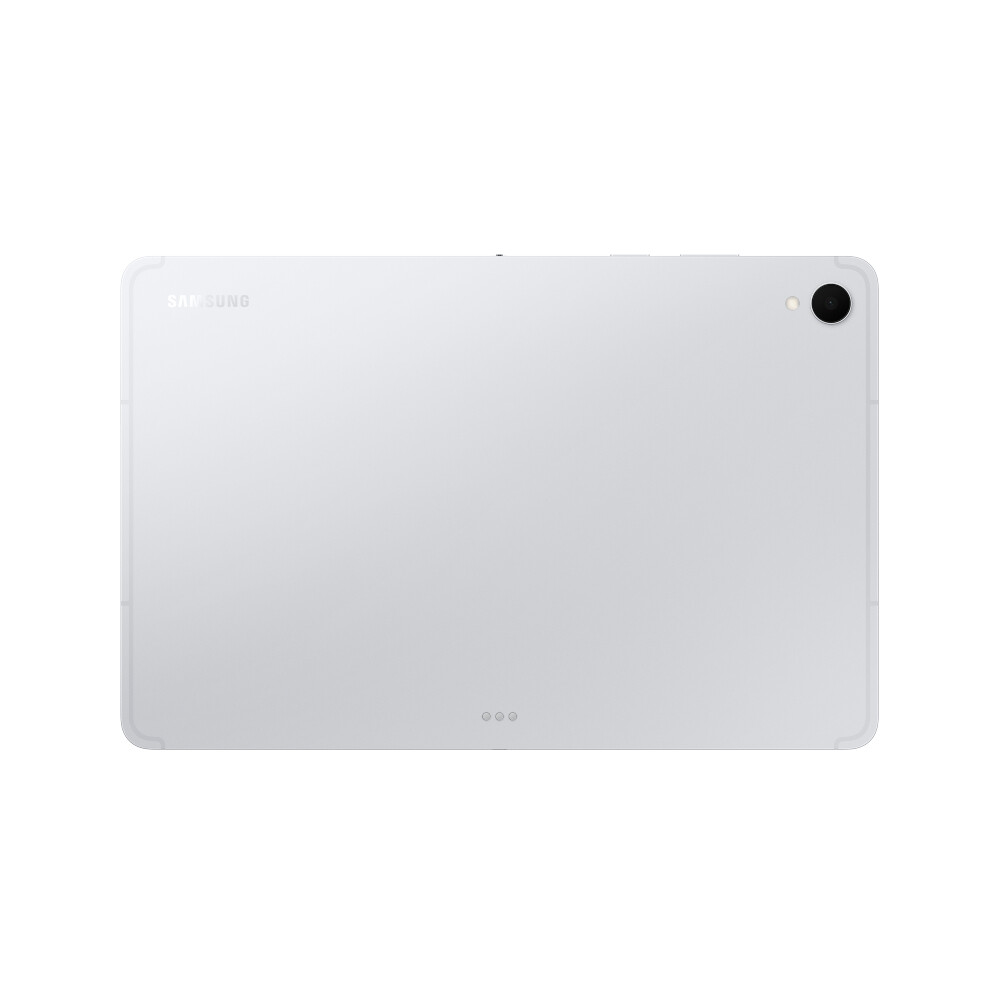
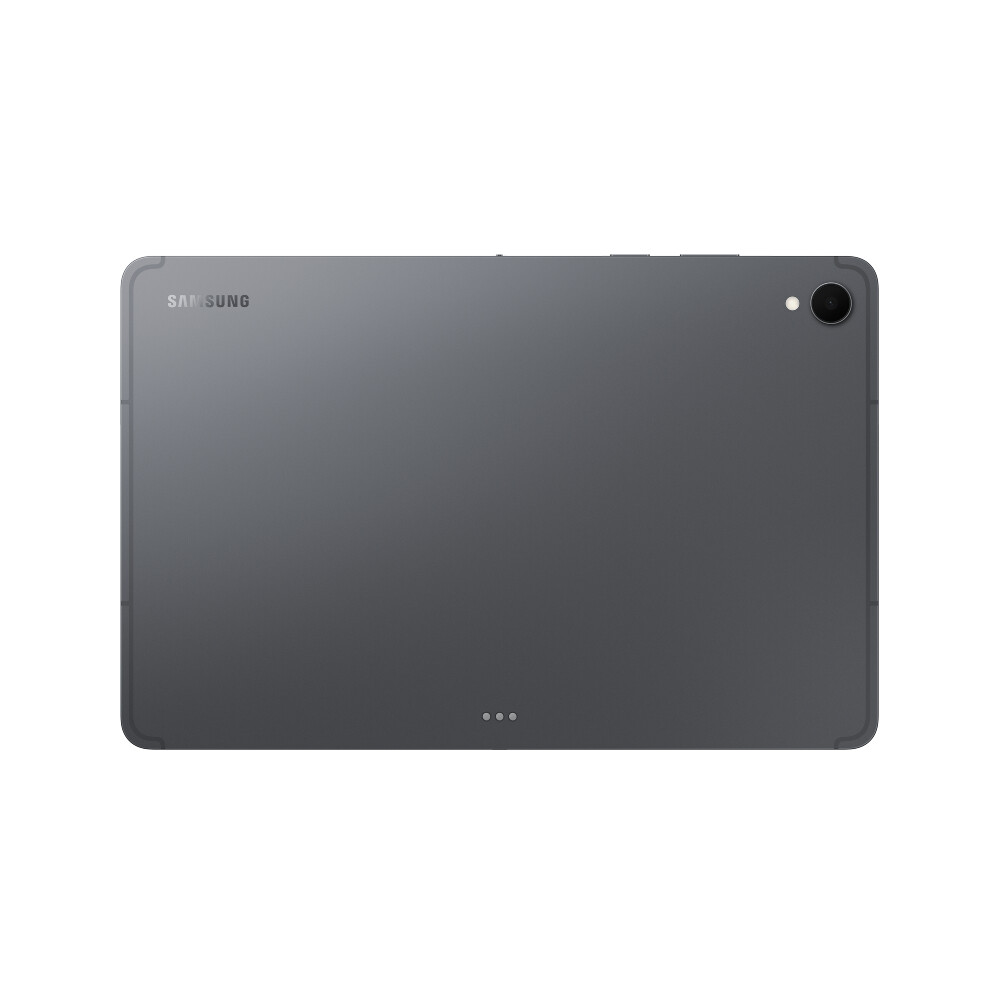
Front view of a Galaxy Tab S11 device tilted slightly. Behind it, another Tab S11 reveals the rear side with a camera and an S Pen placed beside it, highlighting the sleek front and premium back design.

Notably thin and powerful

Galaxy Tab S11 displaying the Notion app in use, with a larger second screen on the left using Samsung DeX, highlighting smooth multitasking with an extended workspace for better productivity.

Samsung DeX for more display

ftd16_interactive multi feature-product detail-indicatorftd16_interactive multi feature-product detail-indicatorftd16_interactive multi feature-product detail-indicator

Slim and light. Feels just right.
Packing powerful AI features in a slim, lightweight design, Galaxy Tab S11 is a productivity powerhouse everywhere you go. Its brilliant display and charge-less, hexagon-shaped pen make Galaxy Tab S11 the ultimate creative companion when you need it. And its lightweight, slim, design make it effortlessly portable when you’re on the move.

A Galaxy Tab S11 device shown in silhouette in a dark setting, then angled to reveal its front display with vibrant wallpaper. A second Tab S11 appears behind it, showing the rear design to highlight the sleek profile.

Sleek. Seamless. Refined.
Every detail of Galaxy Tab S11 is streamlined to give you powerful performance into a beautifully sleek form. From improved camera design, to the removed wireless charging slot and enhanced slim bezel, every angle is thoughtfully engineered to seamlessly merge superior function with elegant design. Choose from Gray and Silver, two stylish colors that look as premium as they feel.

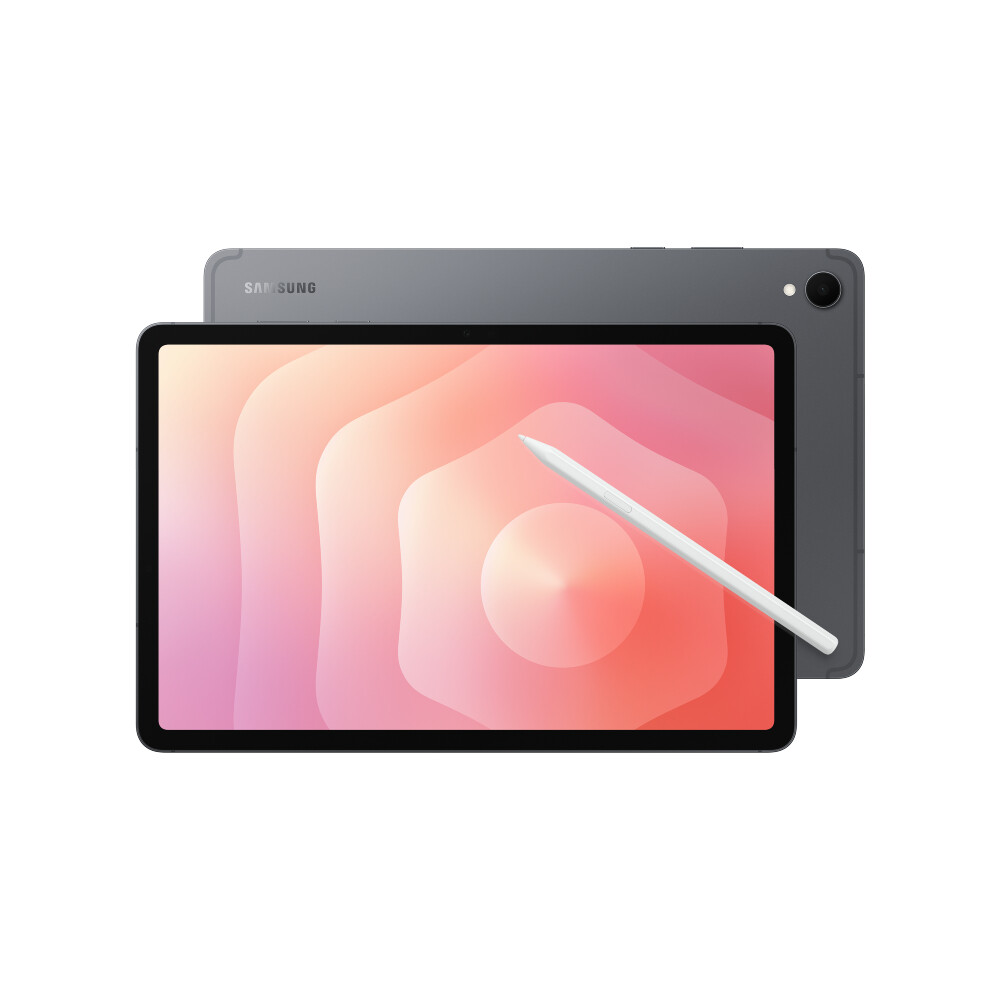
A Galaxy Tab S11 device in Gray angled to show its rear camera and S Pen, is placed in front of another Tab S11 device facing up with a colorful wallpaper on display, highlighting the sleek design.

Gray

A Galaxy Tab S11 device in Silver angled to show its rear camera and S Pen, is placed in front of another Tab S11 device facing up with a colorful wallpaper on display, highlighting the sleek design.

Silver

A Galaxy Tab S11 device in Gray angled to show its rear camera and S Pen, is placed in front of another Tab S11 device facing up with a colorful wallpaper on display, highlighting the sleek design.
Galaxy AI meets next-gen productivity

Talk to Google Gemini about anything you see
Use screen sharing on your Galaxy Tab S11 to get information in real time with Gemini Live. Just long press the side button to get started and share your screen with Google Gemini to ask for advice. It may even ask you questions, prompting a free-flowing conversation that can help you get the answers you’re looking for.

Galaxy Tab S11 is seen showing a webpage about the Korean dessert, bingsu, on the main screen. The side button can be long pressed to call up Google Gemini and then share your screen with Live. Using natural conversation, you can then ask Google Gemini about anything you see on the screen.

Galaxy Tab S11 is seen showing a webpage about the Korean dessert, bingsu, on the main screen. The side button can be long pressed to call up Google Gemini and then share your screen with Live. Using natural conversation, you can then ask Google Gemini about anything you see on the screen.
play video

From idea to AI-sketch to notes, instantly
Just sketch it, and let AI take it from there. With Drawing Assist, your rough drawing is transformed into a polished AI-generated image in seconds. Once it’s ready, drop it into Notes to keep your ideas going. Quick, simple, and seamless.3

Galaxy Tab S11 screen is shown in split view. On the right, Drawing Assist is open with an S Pen sketching a scoop of vanilla ice cream on top of Yakgwa. The S Pen taps the Webtoon option and selects Generate, turning the sketch into a 3D cartoon. The AI-generated image is then dragged and dropped into Samsung Notes app open on the left.

Smarter writing, made simple
Writing Assist helps you refine and transform your text in seconds. Effortlessly draft, craft and revise any piece of writing to match your intended meaning and turn thoughts into polished, ready-to-use content. Adjust the style and tone with a few taps, to convey your message just the way you want it. Then easily drag and drop the enhanced version into one of many supported apps in your workspace.4

Galaxy Tab S11 is shown in split view with a webpage open on the right. A section of text on the webpage is highlighted with a pop-up menu open. An S Pen selects Writing style instantly transforming the text into a professional tone. The S Pen copies the first paragraph of the AI-generated text, drags and drops it into Samsung Notes app open on the left side of the screen.

Light to carry. Built to perform
From its super slim bezel to its upgraded brightness, Galaxy Tab S11’s 11.0″ Dynamic AMOLED 2X displays deliver incredibly immersive visuals, even in bright outdoor light, with improved brightness over Galaxy Tab S9. From streaming to gaming, the superior display let’s you experience your favorite entertainment like never before—at home and on the go.5

A Galaxy Tab S11 device playing a video of a person in a vast, bright landscape on its large display, showcasing ultra-clear visibility. Text below reads Dynamic AMOLED 2X vivified by Samsung Display, HBM 1000 nits, Peak 1600 nits.
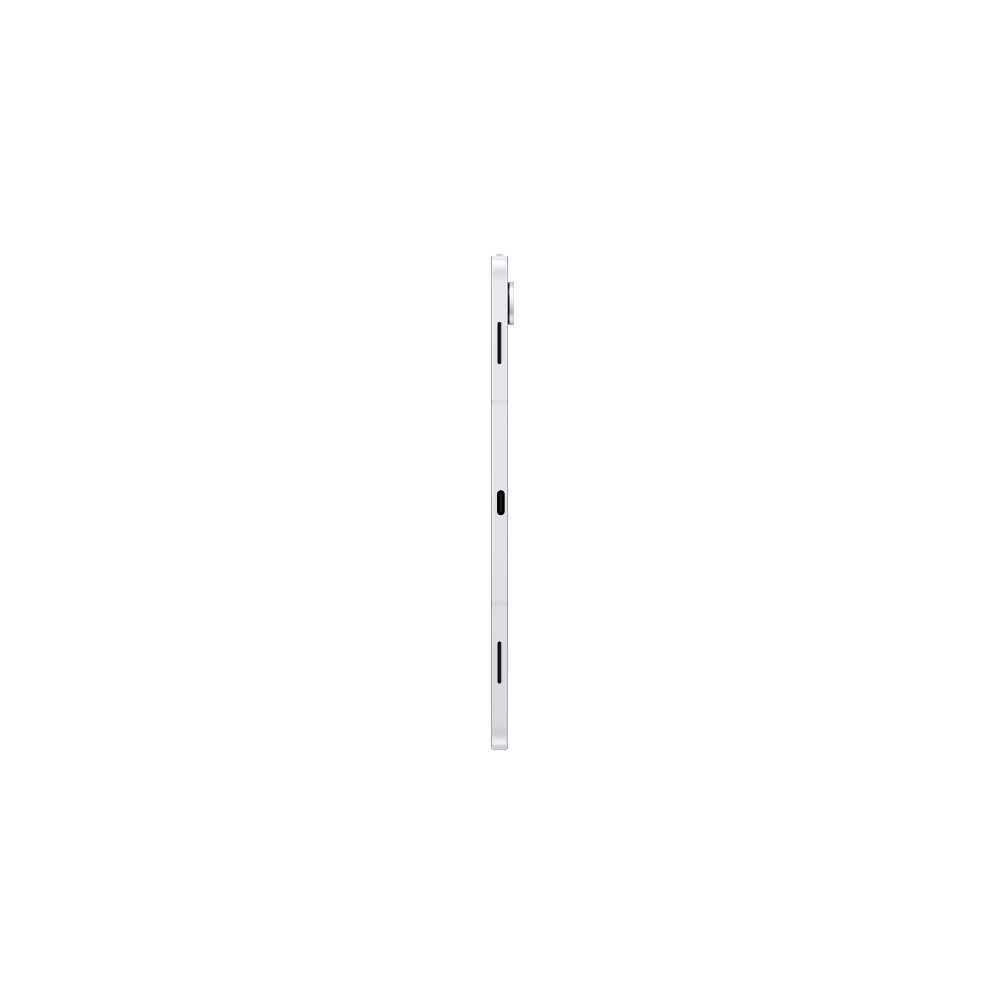
Side view of two Galaxy Tab S11 devices stacked, showcasing the camera layout and sleek design.

Slim. Thin. Optimized

Galaxy Tab S11 is even slimmer and lighter than Galaxy Tab S9. Its refined profile makes it easy to hold, pack, and carry. So you can work and create wherever inspiration strikes.

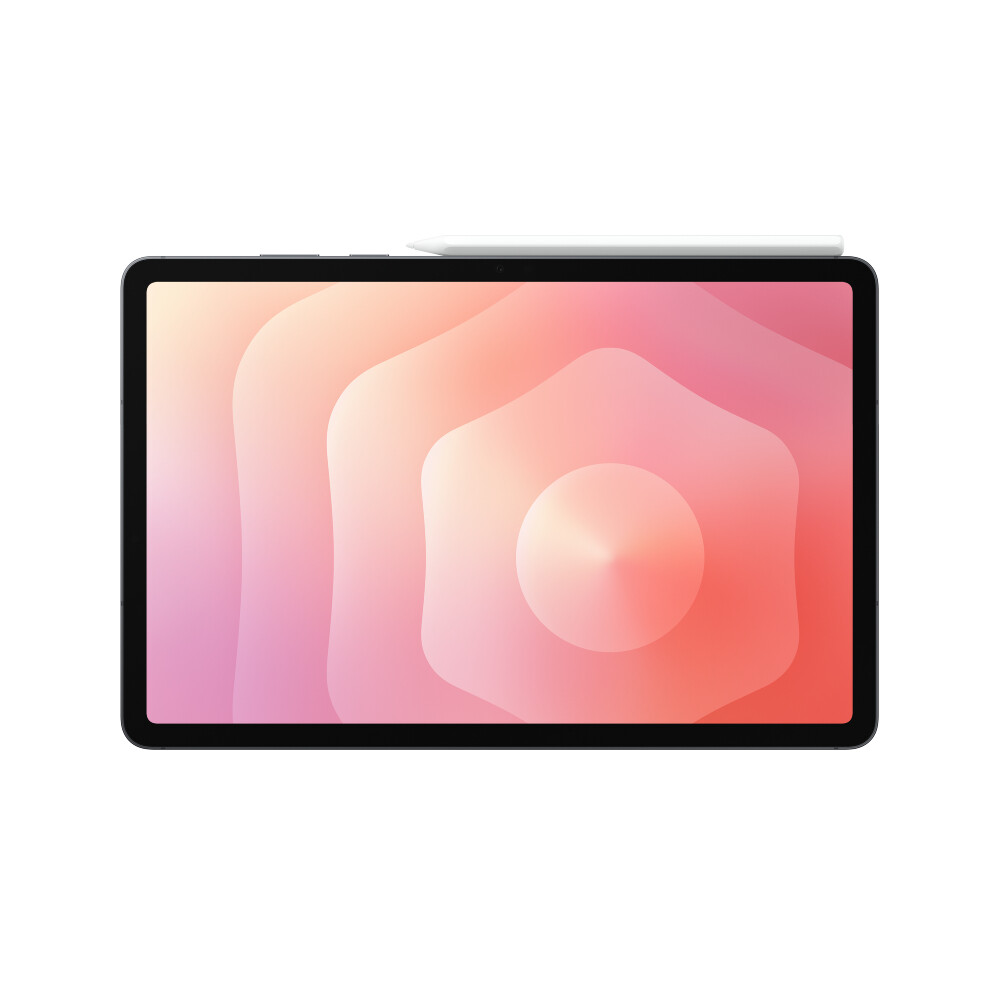
Galaxy Tab S11 screen displaying a vibrant, colorful image, highlighting the tablet's immersive display quality with thinner bezel design.

Upgraded for more angles

Enjoy a more immersive view from every angle with the Galaxy Tab S11’s thinner bezel design and upgraded brightness. Fully immerse yourself in massive displays that deliver stunning visuals, even in bright, sunlit outdoor environments.

Smart AI. Seamless performance.
Fuel every moment with ultra-fast performance, now enhanced for AI. Galaxy Tab S11’s upgraded processor works to deliver stunning graphics, smooth multitasking and next-level speed. Improved NPU, CPU and GPU let you experience silky smooth scrolling and ultra low lag as you seamlessly switch between all your favorite features, apps and content in the blink of an eye.6

Galaxy Tab S11 running LumaFusion shows a video of a man skateboarding being edited. Text above reads NPU 33%, CPU 48%, GPU 69% emphasizing powerful performance for creative tasks like video editing.
A part of Galaxy Tab S11 screen showing a high-speed video of a subject on a road, with text reading Battery capacity 8,400 mAh and Watch videos up to 18 hours, to emphasize long-battery life for extended use throughout the day.

Lasts as long as you do

Stay powered through your busiest days with lightning fast charging, longer-lasting battery that delivers up to 18 hours of video playback.8

A close-up of Galaxy Tab S11 and S Pen with water droplets across the devices to demonstrate their IP68 water resistance for added durability in everyday conditions.

Safe from drops and dust

Wrapped in enhanced Armor Aluminum and IP68 Galaxy Tab S11 is built to withstand whatever the day throws it’s way.

Productivity powerhouse with Samsung DeX
Samsung DeX lets you extend your Galaxy Tab S11’s display to create a seamless multitasking environment of up to 4 workspaces. Move apps freely and easily between screens to keep your workflow smooth and efficient. Increase your productivity with a multi-screen experience as you drag and drop windows between screens, or enjoy content saved to your Galaxy Tab S11 in a home-theater setting by mirroring it to your monitor.

Galaxy Tab S11 in a Book Cover Keyboard Slim displays the Notion app in use. A folder is open with a list of recent files. The view zooms out to reveal a second screen connected on the left. The folder is dragged from the tablet to the second screen and a file in the folder is open in Samsung Notes app.

Galaxy Tab S11 in a Book Cover Keyboard Slim displays the Notion app in use. A folder is open with a list of recent files. The view zooms out to reveal a second screen connected on the left. The folder is dragged from the tablet to the second screen and a file in the folder is open in Samsung Notes app.
play video

S Pen points to Quick tools icon on Galaxy Tab S11 screen that provides instant access to pen settings, streamlining your creative and writing workflow.

Quick access to Quick tools

Instantly access the Quick tools menu right from S Pen. Update settings like thickness, color, favorites, Note Assist, and more in a flash.9

A Sticky note is attached to a Samsung Notes file and lets you add reminders directly into notes so important ideas stay front and center.

Quick thoughts. Big impact

Easily attach Sticky note to Samsung Notes files using the S Pen. Keep important details in sight where you need them, every time.

Your Apps. Your way
Galaxy Tab S11 comes preloaded with apps like Goodnotes, LumaFusion, Clip Studio Paint, and Notion. Making it easy to take notes, edit, draw and stay organized from the start. You’ll also have access to optimized apps like Noteshelf 3, ArcSite, Sketchbook, and Picsart, all designed to run smoothly and enhance your creative experience.
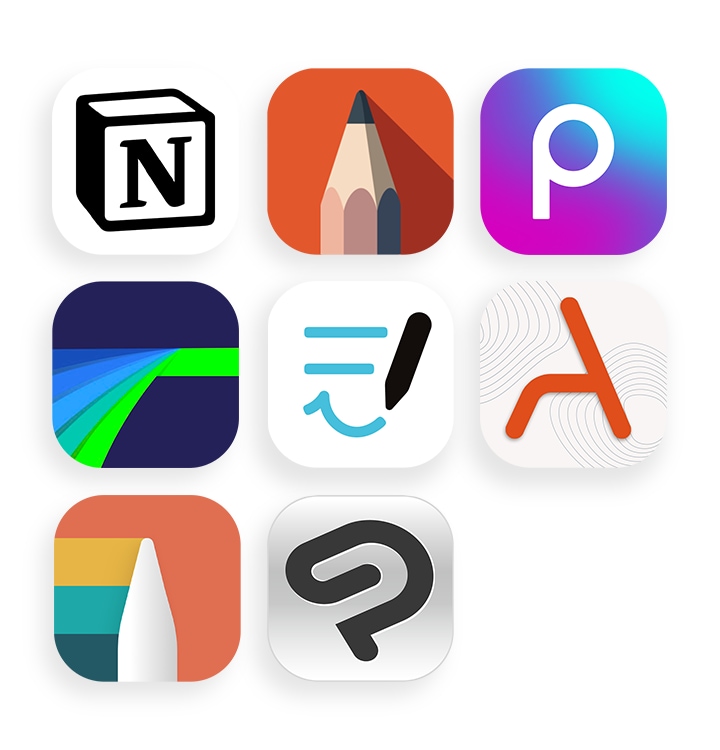
App icons of Notion, Sketchbook, Picsart, LumaFusion, Goodnotes, ArcSite, Noteshelf 3, and Clip Studio Paint.

The ultimate dream team
Learn more

A flat lay of Galaxy Tab S11 displaying a colorful drawing in Clip Studio Paint app, surrounded by a half-open Galaxy Z Flip7 with a similar image onscreen, Galaxy Watch8 Classic, Galaxy Buds3 Pro and S Pen.

Compare Galaxy tablets

Display: Tab S11 Ultra 14.6inch, Dynamic AMOLED 2X, Tab S11 11.0inch, Dynamic AMOLED 2X, Tab S10+ 12.4inch, Dynamic AMOLED 2X, Tab S10 FE+ 13.1inch, 90 Hz LCD. Thickness: Tab S11 Ultra 5.1mm, Tab S11 5.5mm, Tab S10+ 5.6mm, Tab S10 FE+ 6.0mm. Weight: Tab S11 Ultra 695g(5G), 692g(Wi-Fi), Tab S11 471g(5G), 469g(Wi-Fi), Tab S10+ 576g(5G), 571g(Wi-Fi), Tab S10 FE+ 668g(5G), 664g(Wi-Fi) Memory: Tab S11 Ultra 12GB/16GB, Tab S11, Tab S10+ 12GB, Tab S10 FE+ 8GB/12GB Storage: Tab S11 Ultra 256GB/512GB/1TB, Tab S11 128GB/256GB/512GB, Tab S10+ 256GB/512GB, Tab S10+ FE 128GB/256GB Pen: Tab S11 Ultra, Tab S11 New S Pen Inbox, Tab S10+, Tab S10 FE+ S Pen Inbox Front Camera: Tab S11 Ultra, Tab S11, Tab S10+, Tab S10 FE+ 12MP UW Rear Camera: Tab S11 Ultra, Tab S10+ 13MP+8MP UW, Tab S11, Tab S10 FE+ 13MP Battery: Tab S11 Ultra 11600mAh/45W, Tab S11 8400mAh/45W, Tab S10+, Tab S10 FE+ 10090mAh/45W Durability: Tab S11 Ultra, Tab S11, Tab S10+, Tab S10 FE+ IP68. Connectivity: Tab S11 Ultra 5G, Wi-Fi 7, Tab
Colour

Gray

,

Silver

Reviews

There are no reviews yet

Add a review
Currently, we are not accepting new reviews