

How to Choose the Best TV for Gaming: A Complete Buying Guide

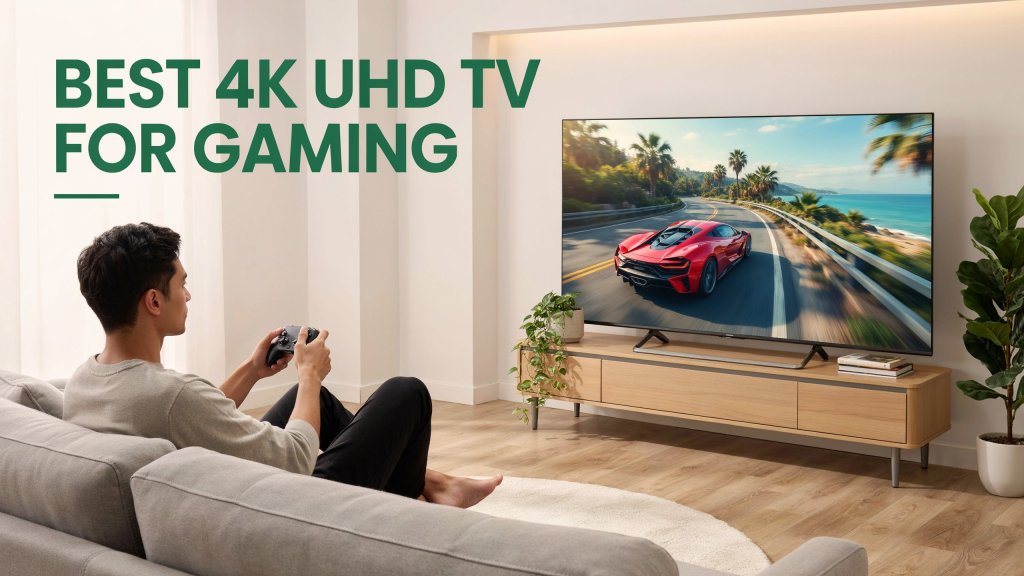
Best TV for Gaming in Malaysia
Choose a gaming TV that matches your console, room and the games you actually play.
A great 4K UHD gaming TV is not simply the biggest screen or the model with the highest number on the box. Refresh rate, HDMI 2.1, VRR, ALLM, input lag, HDR and viewing distance all shape the experience.
Key specifications: 4K UHD · native refresh rate · VRR and ALLM · HDMI capability
Choosing the best TV for gaming in Malaysia starts with understanding how you play. A casual player enjoying adventure games at 60 frames per second may not need the same setup as a competitive gamer targeting 120 or 144 frames per second.
This guide focuses specifically on 4K UHD TVs for gaming. It explains the specifications that matter, helps you match them to your gaming system and clarifies why 4K UHD resolution is different from display terms such as QLED, Mini-LED and OLED.
Quick answer
For PS5 or Xbox Series X: start with a native 120Hz 4K UHD TV with HDMI 2.1, VRR, ALLM and low input lag. For a capable gaming PC: a 144Hz model with adaptive-sync support offers more headroom. A 60Hz 4K TV remains practical for casual and story-driven gaming.
How the gaming signal reaches your screen
- 1. SourcePS5, Xbox Series X or gaming PC generates the frames.
- 2. ConnectionHDMI carries the 4K signal and compatible gaming features.
- 3. SyncVRR and ALLM help keep motion smooth and response fast.
- 4. DisplayThe panel shows the image at its supported resolution and refresh rate.
What Should You Look for in a 4K UHD Gaming TV?
When comparing the best TV for gaming in Malaysia, look for responsive controls, detailed images and clear motion. The television should also support the video output and gaming features available on your console or PC.
4K UHD, HDR, contrast and colour
Native refresh rate and pixel response
Low input lag, Game Mode and ALLM
HDMI 2.1, VRR and adaptive sync
Not every gamer needs the most advanced specification in every category. The goal is to identify which features your gaming system can use and which ones will make a noticeable difference to the games you play.
Quick Recommendation by Gamer Type
| Gamer type | Recommended starting specification | Priority |
|---|---|---|
| Casual gamer | 4K UHD, 60Hz and Game Mode | Value and picture quality |
| PS5 / Xbox Series X | 4K UHD, 120Hz+, HDMI 2.1, VRR and ALLM | 4K high-frame-rate modes |
| Competitive gamer | 120Hz or 144Hz, low input lag and VRR | Response and motion clarity |
| Gaming PC user | 4K 120Hz/144Hz, HDMI 2.1 and adaptive sync | GPU compatibility |
| Cinematic gamer | 4K UHD, strong HDR and good contrast | Immersion |
Why Choose a 4K UHD TV for Gaming?
4K UHD has a resolution of 3840 × 2160 pixels. It displays four times as many pixels as Full HD, allowing compatible games to show finer textures and greater detail. For modern consoles and gaming PCs, it is the most practical resolution to consider when buying a new gaming TV.
| Resolution | Best for | Main consideration |
|---|---|---|
| Full HD | Older consoles and basic setups | Less detailed on larger screens |
| 4K UHD | Modern consoles and gaming PCs | Best overall balance for current gaming |
| 8K | Premium large-screen setups | Limited native 8K gaming content |
For most current consoles and gaming PCs, the best TV for gaming in Malaysia will combine 4K UHD resolution with responsive controls and suitable motion handling. Resolution alone cannot compensate for high input lag or missing gaming features.
What Refresh Rate Is Best for 4K UHD Gaming?
Refresh rate refers to how many times the television can update its image each second. Higher refresh rates can make movement look smoother, especially in racing, sports, shooting and action games. However, the game and connected device must also produce a compatible frame rate.
The jump from 60Hz to 120Hz is usually more noticeable than the smaller step from 120Hz to 144Hz. A 144Hz label should not be the only reason to choose a TV. VRR support, input lag, HDMI bandwidth and overall picture quality still matter.
Why Do Input Lag and Response Time Matter?
Input lag is the delay between pressing a controller button and seeing the action on screen. Lower input lag makes controls feel more immediate.
Response time describes how quickly individual pixels change colour. A slower pixel response can contribute to visible blur or trailing during fast movement.
Low input lag is particularly valuable for first-person shooters, fighting games, racing, rhythm games and online competitive titles. Most gaming TVs include a Game Mode that reduces unnecessary picture processing. Enable it manually, or use ALLM when both the television and connected device support the feature.
What Are VRR and ALLM?
Variable Refresh Rate
VRR lets the TV adjust its refresh rate to match the console or PC’s changing frame rate. This can reduce screen tearing, stutter and uneven motion. Support may use HDMI Forum VRR, AMD FreeSync or NVIDIA G-SYNC compatibility.
Auto Low Latency Mode
ALLM tells a compatible television to switch automatically to its low-latency gaming setting. It does not raise frame rate; its job is to ensure the TV uses a responsive mode when a game starts.
Do You Need HDMI 2.1 for 4K UHD Gaming?
HDMI 2.1 is recommended for players who want 4K gaming at 120Hz or 144Hz, VRR, ALLM and eARC. Its higher potential bandwidth can carry more image data than older HDMI standards.
For a technical explanation of VRR, ALLM and other gaming functions, refer to the official HDMI enhanced gaming features guide.
Before buying, verify:
- How many HDMI ports support the TV’s highest gaming specification
- Whether those ports accept 4K at 120Hz or 144Hz
- Whether VRR and ALLM work at the intended resolution
- Whether one of the same ports is also needed for an eARC soundbar
Use a compatible high-speed HDMI cable and connect the console to the correct port. Some TVs also require an enhanced HDMI format to be enabled in the settings menu.
Which 4K UHD Display Technology Is Better for Gaming?
UHD and QLED do not mean the same thing. UHD describes screen resolution, while LED, QLED, Mini-LED and OLED describe display or backlight technologies. A television can be both QLED and 4K UHD.
| Display type | Main strength | Best for |
|---|---|---|
| LED | Accessible pricing and wide choice | Casual gaming and everyday entertainment |
| QLED | Strong brightness and vivid colour | Bright rooms and versatile gaming setups |
| Mini-LED | More precise backlight control | HDR gaming and cinematic experiences |
| OLED | Deep blacks and fast pixel response | Premium cinematic and responsive gaming |
The best technology depends on the room and budget. A bright living room may favour a bright QLED or Mini-LED display, while a darker room can highlight OLED’s contrast advantages.
Does HDR Improve 4K UHD Gaming?
High Dynamic Range can improve the difference between bright highlights and dark areas while displaying a wider range of colours. When implemented well, sunlight, explosions, reflections and atmospheric lighting can look more realistic.
Common formats include HDR10, HDR10+, Dolby Vision and HLG. An HDR logo alone does not guarantee identical performance across televisions. Panel brightness, contrast, local dimming and picture processing all affect the result. Also check whether the TV maintains low input lag when HDR and high-refresh-rate modes are active.
How Do You Choose the Right TV Size for Gaming?
A bigger screen can make games more immersive, but it should suit the viewing distance and available space. Sitting too close to a very large TV can make it harder to follow the entire screen, especially in competitive games with interface elements near the edges.
| TV size | Practical viewing distance | Suitable space |
|---|---|---|
| 43 inches | About 1.5–2.0 metres | Bedroom or compact room |
| 50 inches | About 1.8–2.2 metres | Small living room |
| 55 inches | About 2.0–2.5 metres | Gaming room or medium living room |
| 65 inches | About 2.4–3.0 metres | Medium-to-large living room |
| 75 inches | About 2.8–3.5 metres | Large living room |
These distances are practical starting points rather than strict rules. For more detail, read How to Choose the Perfect TV Size for Your Living Room.
Recommended 4K UHD TVs for Different Gaming Needs
The best TV for gaming in Malaysia depends on how you play. A casual gamer may get better value from a capable 60Hz TV, while players targeting high-frame-rate console or PC gaming should prioritise a native high-refresh-rate panel and modern gaming connectivity.
| Recommended series | Native refresh rate | Key gaming support | Best for |
|---|---|---|---|
| Hisense E6Q | 60Hz | VRR, ALLM and HDR Game Mode | Value-focused casual gaming |
| Sharp JJ5000X | 60Hz | ALLM and Gaming UI | Big-screen gaming and entertainment |
| Toshiba Z570SP | 144Hz | HDMI 2.1, VRR, ALLM and FreeSync Premium | High-refresh console and PC gaming |
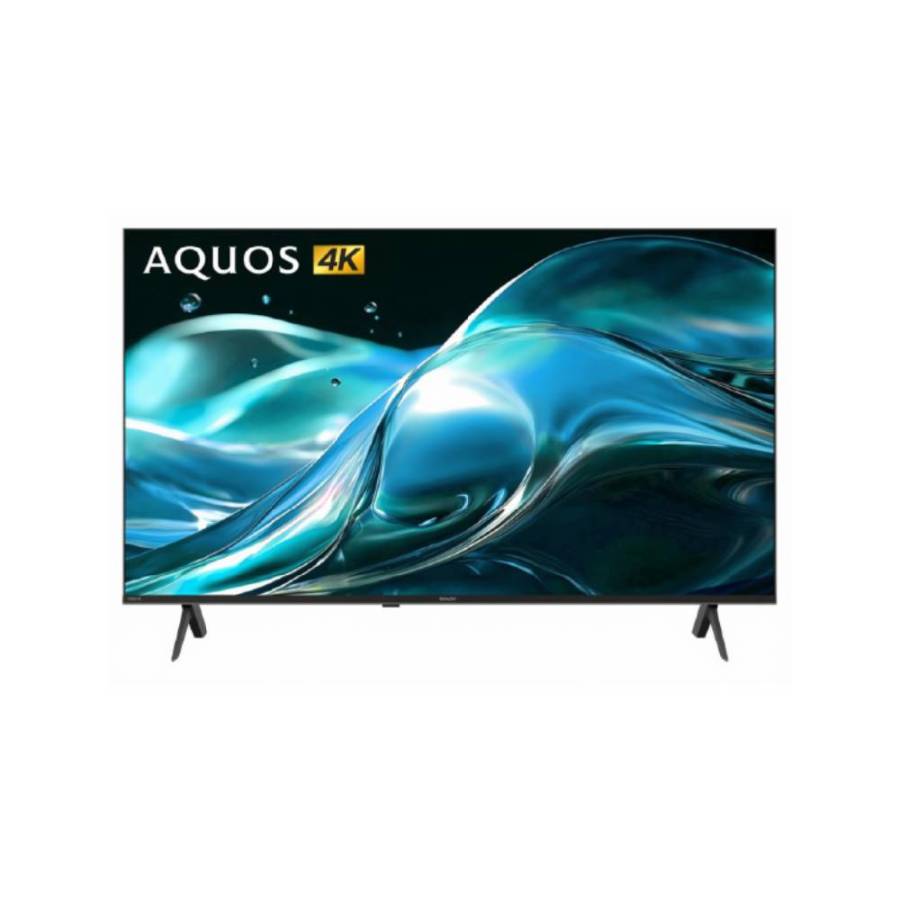
2 / Best big-screen choice
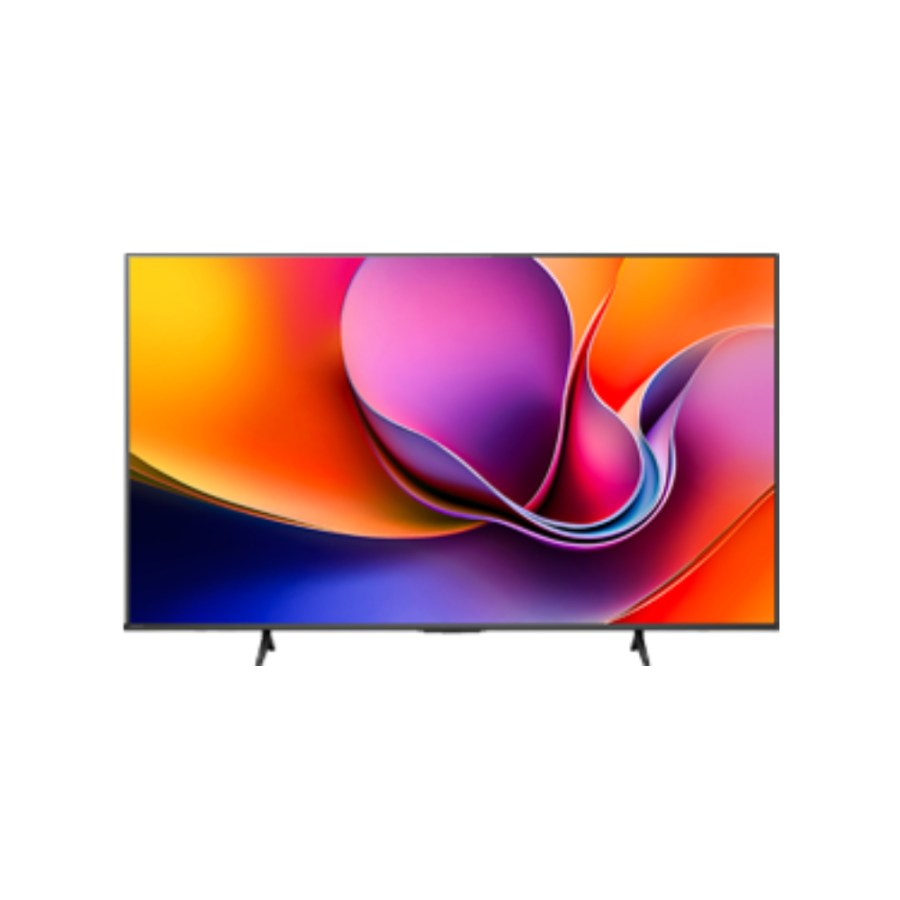
Sharp JJ5000X Series
A large-screen option for living-room gaming, streaming and shared home entertainment.
Key specifications: native 60Hz panel, ALLM, Gaming UI, AQUOS Smooth Motion, Google TV, HDR10 and HLG.
Specification note: Sharp lists a 120Hz High Refresh Mode during HDMI input, but the panel’s stated native refresh rate is 60Hz.

3 / Best for high-refresh gaming
Toshiba Z570SP
The performance-focused option for compatible PS5, Xbox Series X and gaming PCs targeting smoother high-frame-rate play.
Key specifications: native 144Hz QLED panel, HDMI 2.1, VRR, ALLM, AMD FreeSync Premium, Dolby Vision IQ and Dolby Atmos.
Product features may differ by screen size, software version or market variant. Check the exact model, native refresh rate and port specifications before purchasing.
Common Mistakes When Buying a Gaming TV
4K UHD Gaming TV Buying Checklist
Use this checklist to compare each contender for the best TV for gaming in Malaysia before making your final decision.
- ✓ 4K UHD resolution
- ✓ Native refresh rate
- ✓ VRR and ALLM support
- ✓ HDMI 2.1 port capability
- ✓ 4K 120Hz or 144Hz input
- ✓ Low input lag in Game Mode
- ✓ FreeSync or G-SYNC compatibility
- ✓ Screen size for viewing distance
- ✓ Compatible HDR formats
- ✓ Enough ports for every device
Final Verdict: Which 4K UHD TV Is Best for Gaming?
The best TV for gaming in Malaysia is the model that matches your hardware, preferred games, room size and budget.
A 4K UHD 60Hz television can still be sensible for casual players. PS5 and Xbox Series X users who want smoother performance modes should consider a native 120Hz or 144Hz model with HDMI 2.1, VRR and ALLM. Competitive and PC gamers should place even greater emphasis on input lag, adaptive sync and high-refresh-rate support.
Do not choose a TV based on one headline specification. A balanced gaming television combines responsive controls, smooth motion, suitable connectivity, strong picture quality and the right screen size for the room.
Frequently Asked Questions
Is a 4K UHD 60Hz TV good enough for gaming?
Yes. It can be sufficient for casual games, story-based titles and games running at up to 60fps. Players who want compatible 120fps console modes should consider a higher refresh rate.
Is 120Hz or 144Hz better for gaming?
Both are smoother than 60Hz when the device and game provide a compatible frame rate. A 120Hz TV suits most current console gaming, while 144Hz adds flexibility for a capable gaming PC.
Do I need HDMI 2.1 for PS5 or Xbox Series X?
It is recommended for features such as 4K at 120Hz, VRR and ALLM. The consoles can connect to older HDMI inputs, but some advanced gaming features may be unavailable.
How do I choose the best TV for gaming in Malaysia?
Match the native refresh rate, HDMI capabilities, input lag and screen size to your console, preferred games and room. Casual players may be satisfied with 4K at 60Hz, while high-frame-rate gaming benefits from 120Hz or 144Hz, VRR and ALLM.
What is the best TV size for gaming?
A 55-inch TV is versatile for many gaming rooms and medium living rooms. Larger 65-inch and 75-inch models can feel more immersive when the room provides sufficient viewing distance.
Is QLED the same as 4K UHD?
No. UHD describes resolution, while QLED describes quantum-dot display technology. A television can be both QLED and 4K UHD.
Is a gaming monitor better than a TV?
A monitor can suit desk use and highly competitive play. A gaming TV is generally better for sofa-based console gaming, larger-screen immersion and shared entertainment.
Further reading
Want to Learn More Before Choosing Your Next TV?
How to Choose the Perfect TV Size for Your Living Room →Learn how screen size and viewing distance work together before deciding what fits your space.
4K vs 8K TVs: A Comprehensive Guide →Understand the resolution difference and whether a higher number matters for your viewing needs.
Ready to upgrade?
Find a 4K UHD TV Built for Your Gaming Setup
Compare screen sizes, refresh rates, display technologies and smart features across the senQ 4K UHD TV range.